The monitor board
How daily monitoring surfaces new matches, and how to work the Pending, Active, and Dismissed columns to build your shortlist.
The monitor board is where your hunt comes to life. HomesToCompare searches the portals daily against your brief and drops every new match here automatically — so you can stop refreshing listing sites and just review what's landed.
Three columns: Pending, Active, Dismissed
Each candidate property sits in one of three columns on the board:
- Pending — new matches from the portals, waiting for your first look.
- Active — your shortlist: the properties you're genuinely considering.
- Dismissed — ones that don't fit, filtered out but restorable any time.
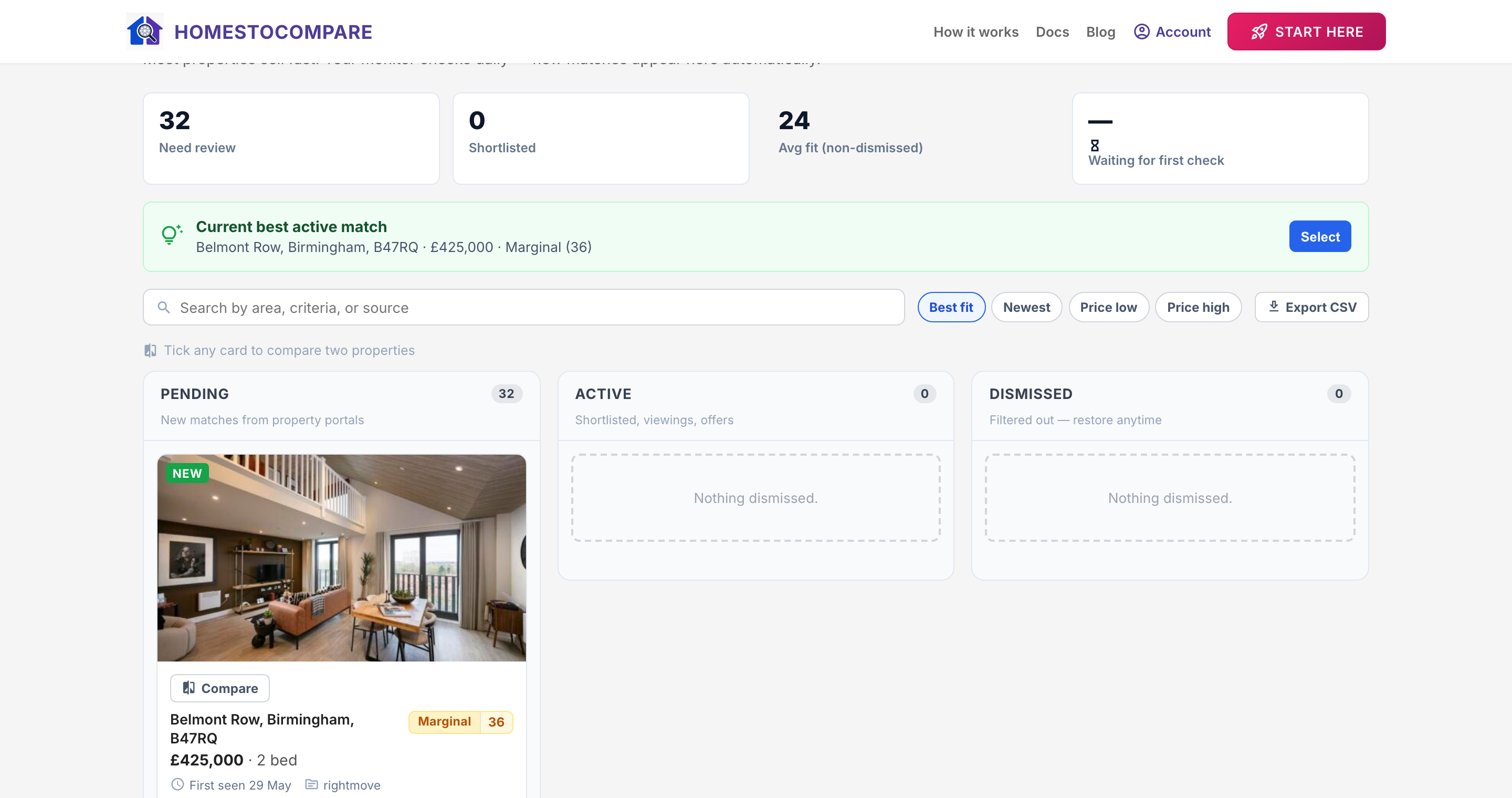
Triage a candidate
Review each card's photos and key facts, then move it to your shortlist (Active) or Dismiss it. Working top to bottom through Pending keeps the board tidy and your shortlist focused on real contenders. The "best active match" banner at the top always highlights the strongest current option.
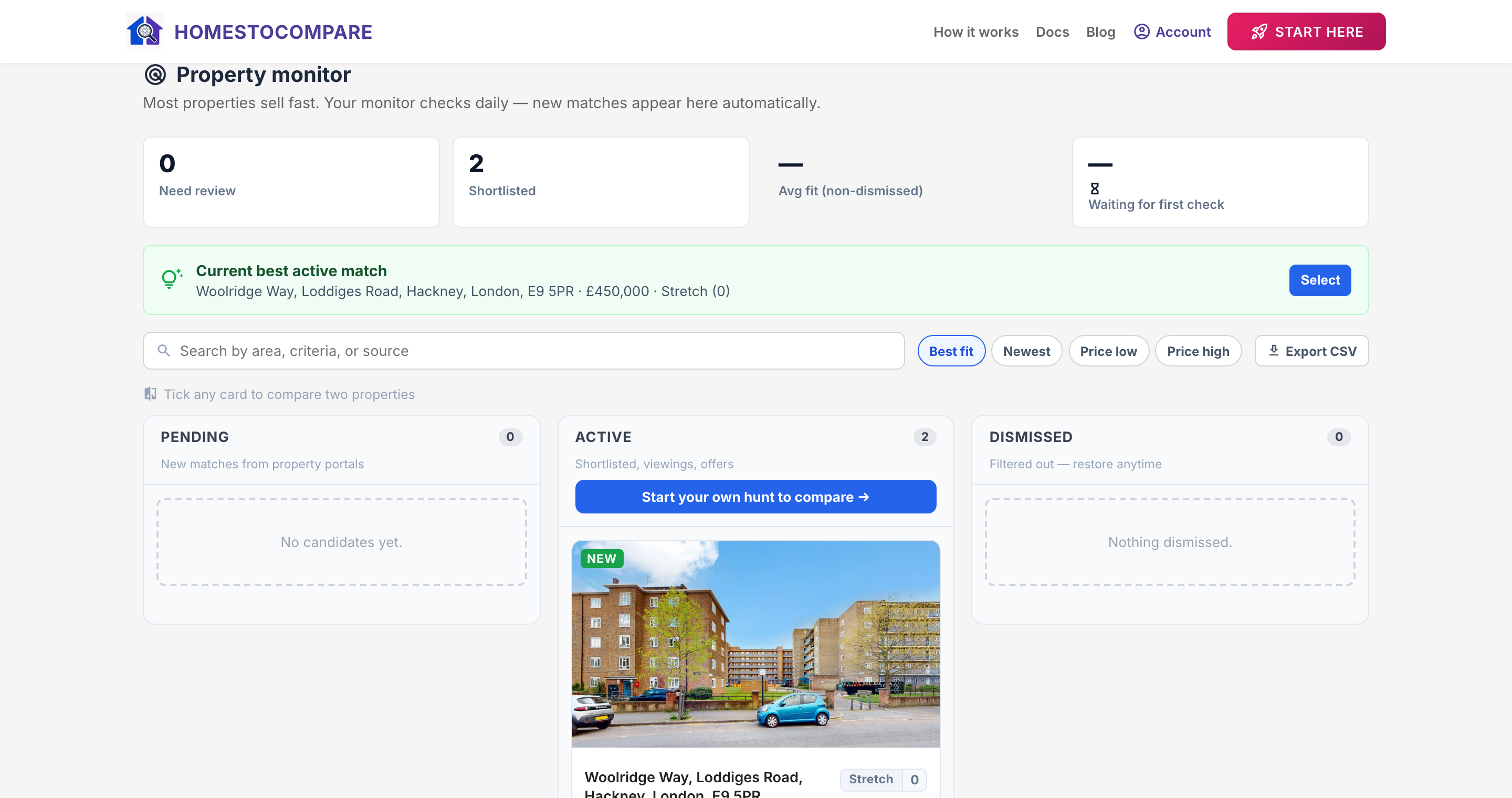
"Run now"
Monitoring runs on a daily schedule, but if you want to check for fresh listings immediately, the Run now button queues an on-demand sweep. New matches appear in Pending once it finishes.
New-match notifications
When the monitor finds new candidates, you can be notified so you never miss a fresh listing — useful in a fast-moving market where good properties go quickly.
Next step
With two properties shortlisted, the next guide shows how to turn them into a side-by-side comparison.