Share and decide together
Send one decision page to a partner, family member, or adviser — everyone reviews the same evidence, no account needed to view.
Buying a home is rarely a solo decision. HomesToCompare lets you hand the whole comparison to a partner, family member, or adviser as a single link — so everyone is looking at the same evidence instead of a scatter of forwarded screenshots.
Share a comparison
From any comparison, use the share option to get a link. Send it however you like — message, email, or a group chat. Whoever opens it sees the full Overview, Details, and For the AI pages.
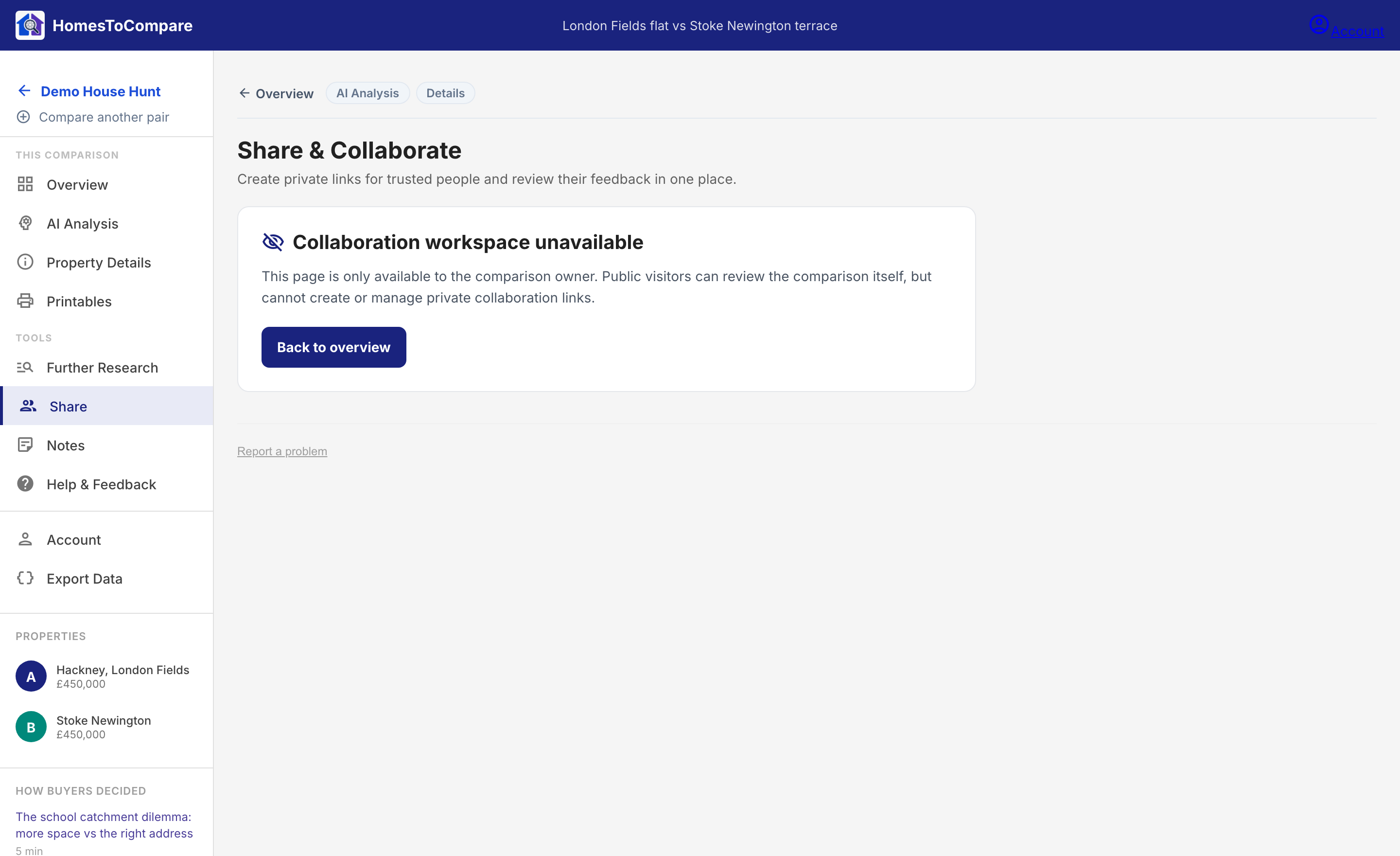
No account needed to view
The people you share with don't need to sign up. The link works straight away, which keeps the friction off the person whose opinion you're asking for.
Keep deciding
A decision rarely comes down to the first pair you look at. When one comparison settles a question, head back to your monitor board, shortlist the next contender, and compare again. Dismiss what doesn't fit and keep going until you're confident enough to make an offer.