Reading a comparison
A tour of the three comparison pages — Overview, AI Analysis, and Property Details — and the reading order that gets you to a decision fastest.
Every comparison has three main pages, each with a job: Overview for the quick decision, AI Analysis for the recommendation and for tailoring it to your situation, and Property Details for the deep dive. Switch between them from the sidebar.
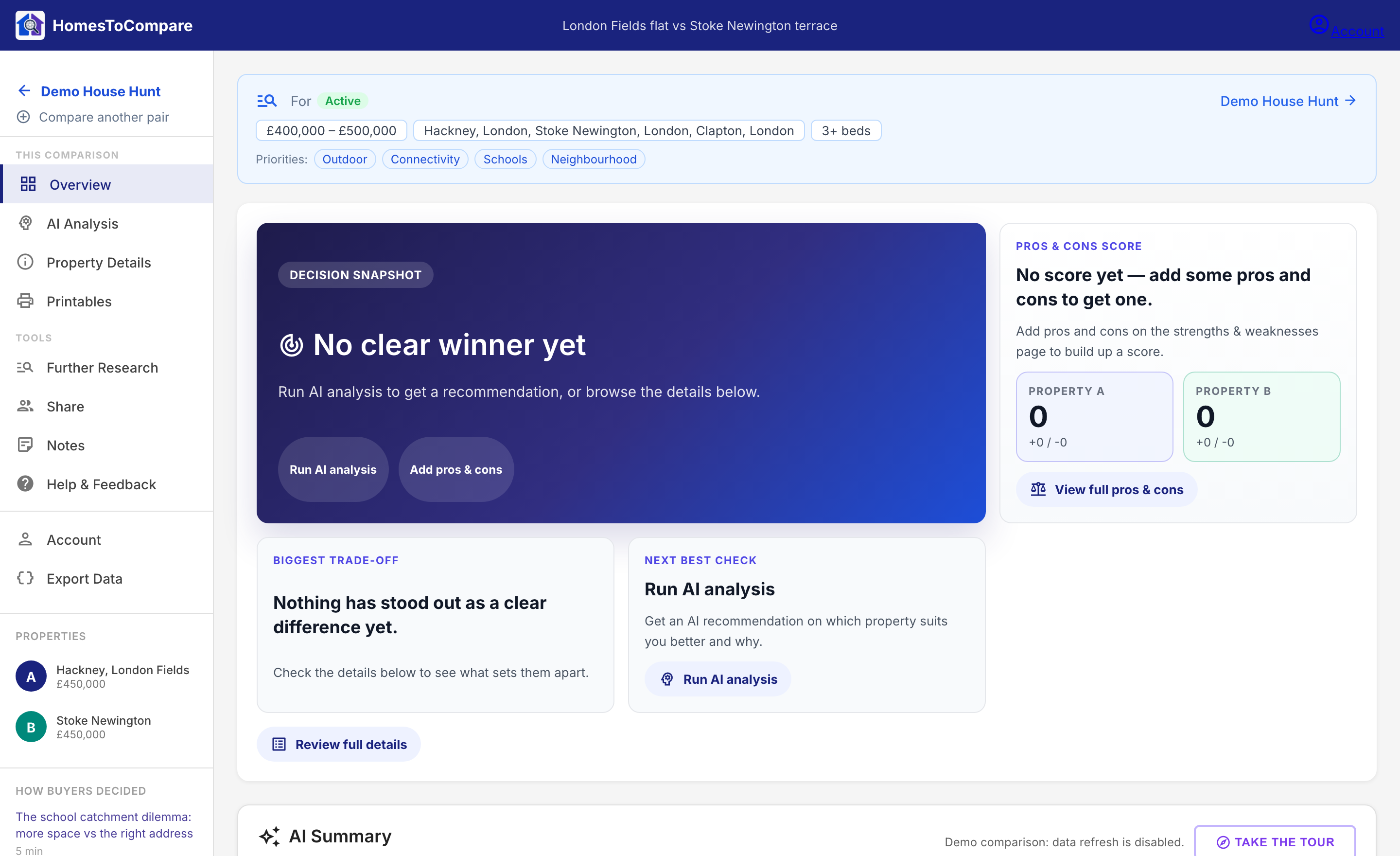
Overview — start here
The Overview is built for a fast read. Start at the top snapshot cards (which property looks stronger and the biggest difference), then read the AI summary, then scan the key metrics underneath.

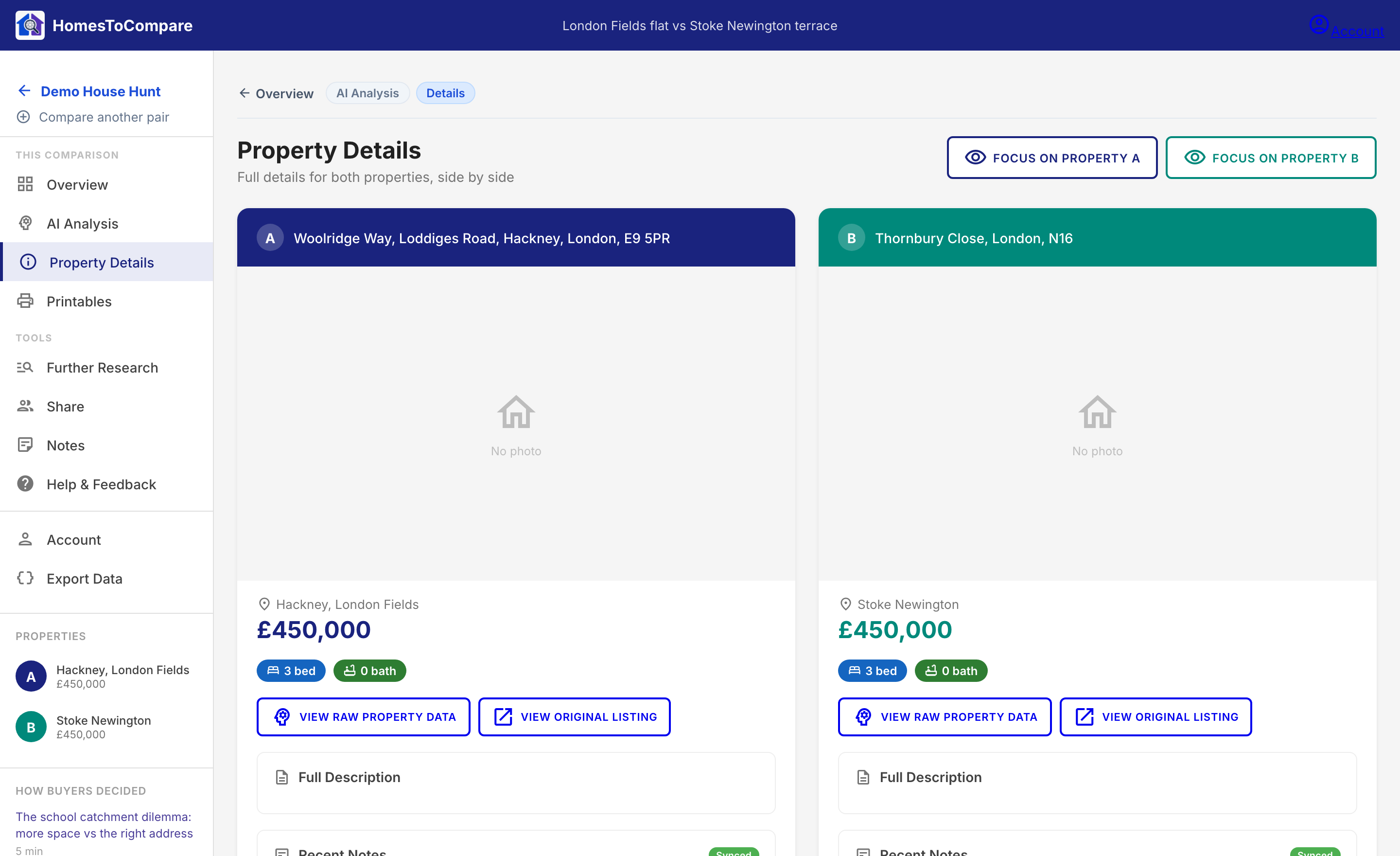
Property Details — the deep dive
The Property Details page gives each home its own full column: the photo set, the full stats, location, and the longer breakdown. This is where you go once the Overview has pointed you in a direction and you want to pressure-test it.
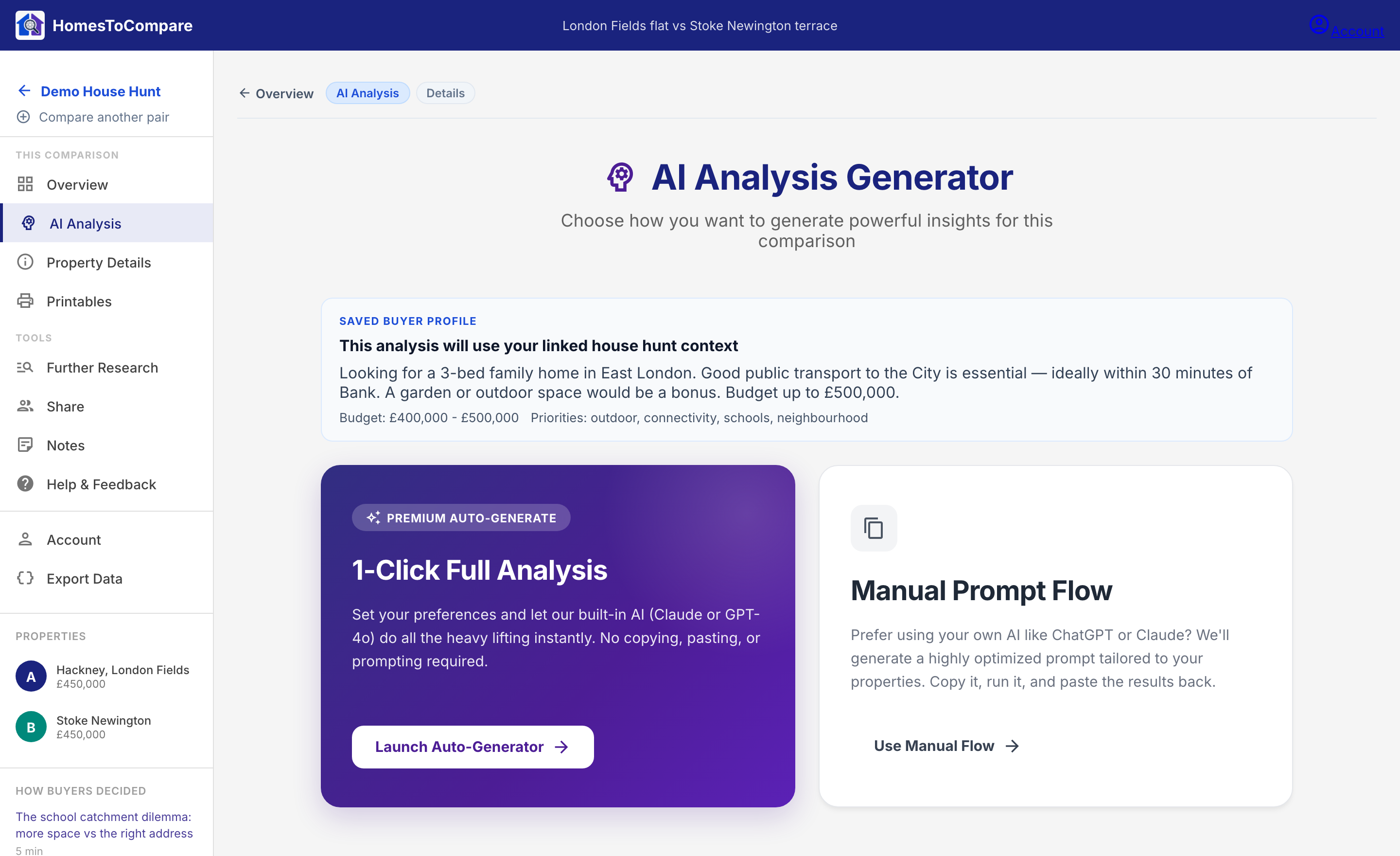
AI Analysis — tailor and read the recommendation
Price per square foot is calculated from the recorded listing price and floor area. It shows Unavailable when the price, floor area or area unit is missing. Check those details with the agent before using the metric to compare value.
The AI Analysis page is where you add the context only you know — your situation, what you care about most, and the questions you want answered — and where the recommendation is generated. Feeding in your context produces a sharper, more personal result rather than a generic one.
Try it on the live example
The best way to learn the layout is to explore a real one: open the example Overview, then jump to its AI Analysis and Property Details pages.
Market trends, recent sales ranges and investment returns show as unavailable until verified, dated evidence is supplied. Confirm uncertain AI photo observations during a viewing.
Next step
The next guide goes deeper on what the AI analysis actually gives you.